In short. Set enable_image_search to true on xAI's web_search tool and render the returned Markdown image embeds.
Definition: A Grok web image embed is a Markdown image in the text returned by the Web Search tool. As of 17 October 2026, xAI documents
enable_image_searchas the setting that lets Grok search for relevant images and include them in a response as Markdown such as.
Key facts
- xAI describes Web Search as a tool that searches the web in real time, browses pages and extracts information for answers. xAI's Web Search documentation lists
web_searchfor the xAI SDK and the OpenAI Responses API. - The
enable_image_searchsetting searches for relevant images and includes them in the response as Markdown image embeds. The same documentation says the returned images are included in the model context used to write the response. - xAI separates image search from
enable_image_understanding, which gives the agent access toview_imageso it can analyse images encountered while browsing regular web pages. - The documented xAI SDK marker for a successful image search is
SERVER_SIDE_TOOL_IMAGE_SEARCHinresponse.server_side_tool_usage. - CommonMark 0.31.2 defines an image description as starting with
![and states that it is used as the HTML image'saltattribute when rendered.
How do you enable image search?
Set enable_image_search to true on the web_search tool and ask for images in the request. xAI's example uses the Responses API with the prompt Show me images of Starship on the launch pad. The relevant request shape is:
{
  "model": "grok-4.7",
  "input": [
    {
      "role": "user",
      "content": "Show me images of Starship on the launch pad."
    }
  ],
  "tools": [
    {
      "type": "web_search",
      "enable_image_search": true
    }
  ]
}
The xAI SDK exposes the same option as web_search(enable_image_search=True). xAI's documentation says that the Vercel AI SDK does not yet expose enableImageSearch, so its image-search examples use the Responses API and the xAI Python SDK.
What does Grok put in the answer?
xAI states that image search results are placed in the model context used to write the response. Its example shows a response containing an image embed directly in the output text:
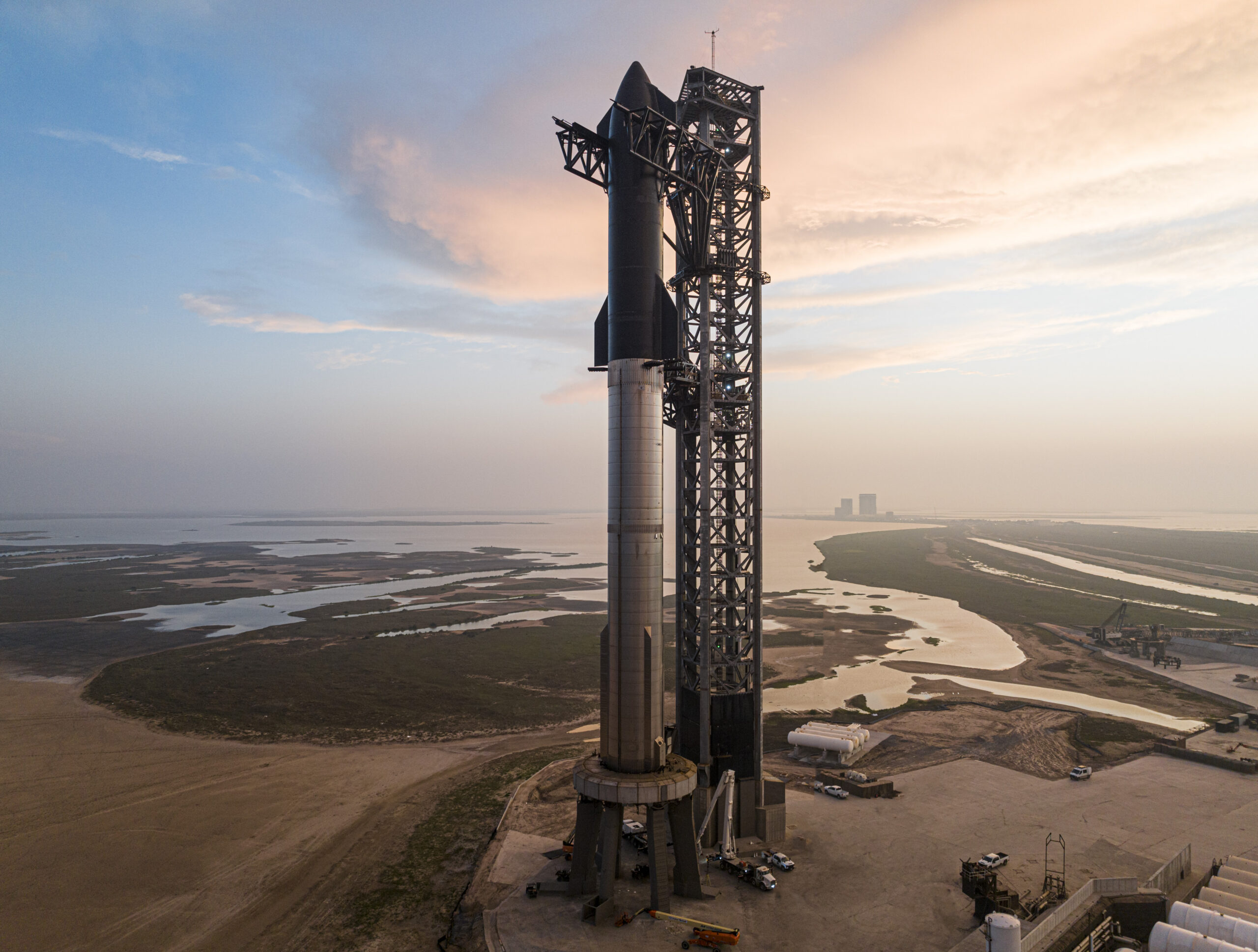
The URL is the image destination in the Markdown. A client that displays Markdown can turn this syntax into an image; a client that shows raw text will display the markup itself. xAI also documents response.server_side_tool_usage as the place where the xAI SDK reports SERVER_SIDE_TOOL_IMAGE_SEARCH after a successful image-search execution.
How does Markdown represent the image?
The CommonMark 0.31.2 specification describes image syntax as link syntax with an image description. The opening characters are 
CommonMark says that the image description contains inline elements and is used as the alt attribute when the image is rendered to HTML. Its  example produces an HTML img element with src="train.jpg" and alt="foo". The syntax therefore carries both a destination and a text description, even when the answer interface presents the result as a visual image.
How can you check the result?
Inspect the returned text for a Markdown image pattern beginning with , and the page says a response can include Markdown image embeds directly in its output text. The example shows the URL inside the Markdown destination.
What becomes the image's alternative text?
CommonMark uses the image description between ![ and ] as the HTML alt attribute when the image is rendered. For example,  has foo as its image description.
Sources
Check how a page reads to answer engines. Open the GEO score analyzer